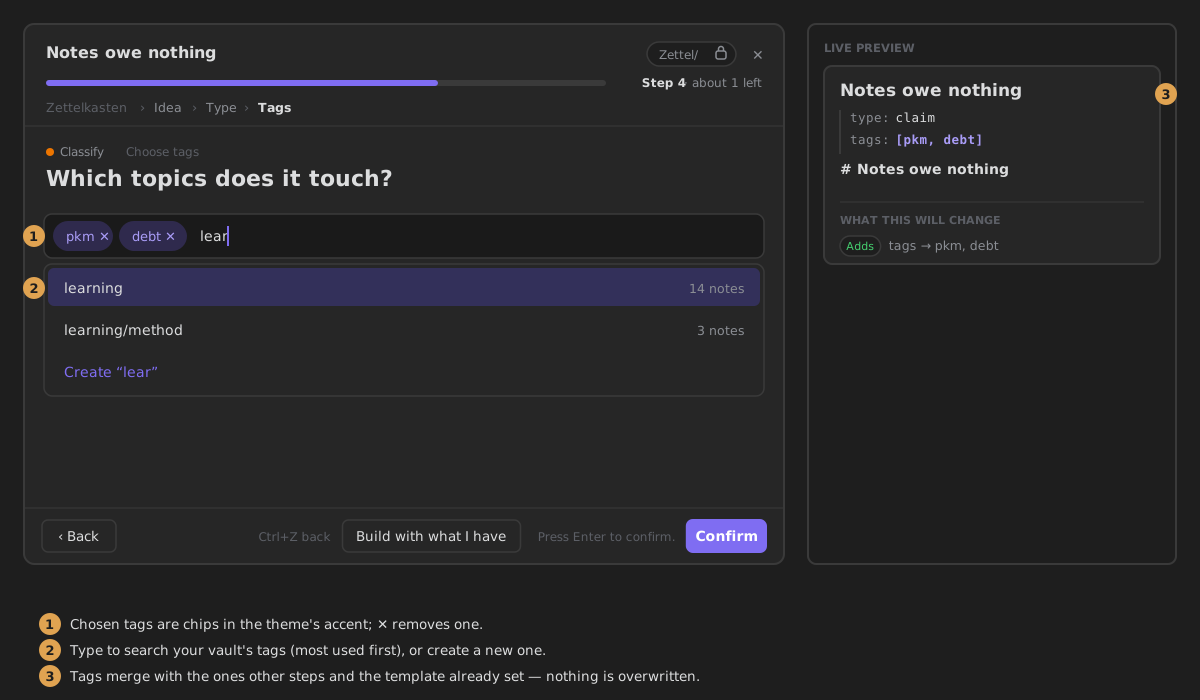
Add tags
Lets you pick tags for the new note.
Called tags in the step's YAML.
The tags are always written to the note's tags property, and are merged with the tags of other steps and with tags already in the note's properties.
Settings
- Always the same answer — skip the question and write a fixed value. Off by default.
- Fixed value — the tags written every time: search your vault's tags, or type a new one to create it. Shown only when Always the same answer is on.
What it writes
In the wizard
A multi-select: search your vault's tags, pick several, or create a new one. Chosen tags show as chips.